Stop Tracking Business Performance Manually, Use Power DAX
Published by John Oruebi Eniekpo in Data Analytics & BI
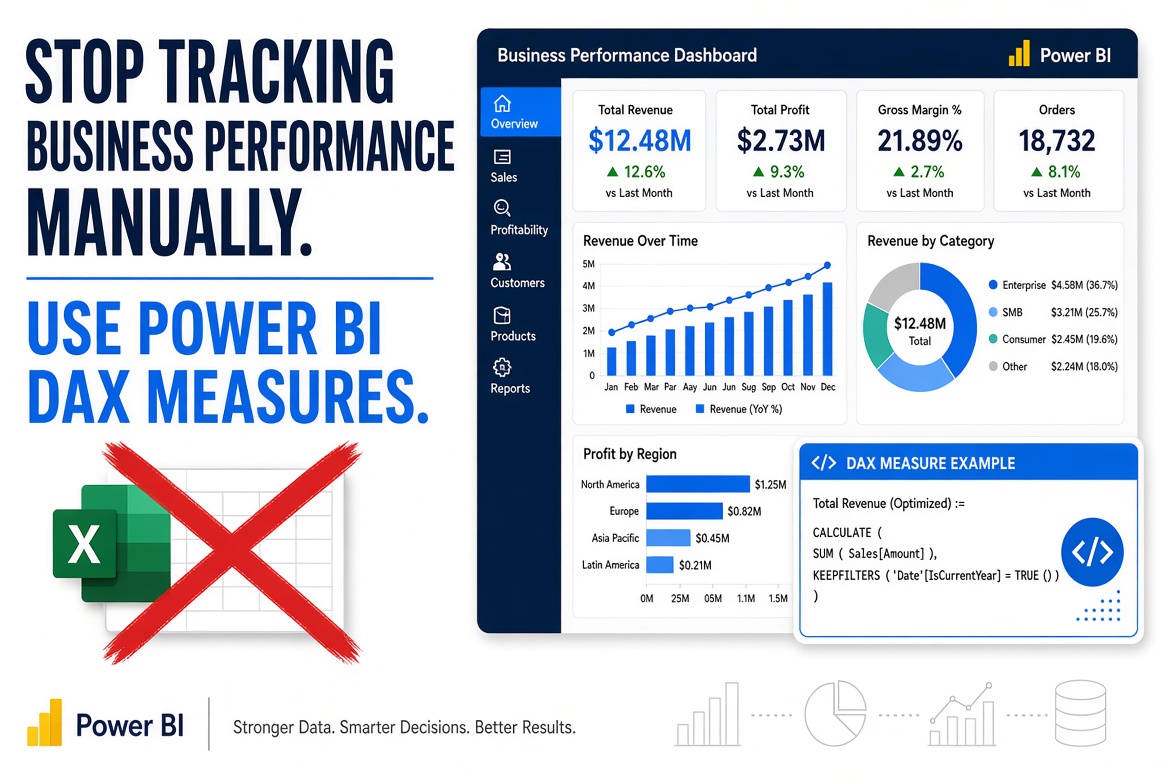
How do you know whether your business is growing, losing revenue or attracting more customers? Power BI DAX measures help you calculate important business metrics directly from your data.
How do you know whether your business is growing, losing revenue or attracting more customers?
Power BI DAX measures help you calculate important business metrics directly from your data.
Here are 5 practical measures every business analyst should understand.
**1. Total Revenue**
**2. Total Orders**
**3. Average Order Value**
**4. Total Customers**
**5. Month-on-Month Revenue Growth**
**Important:** Create and properly configure a Date table before using time intelligence functions such as PREVIOUSMONTH.
**5 KPIs to track:**
1. Revenue: Total sales generated. 2. Orders: Number of unique transactions. 3. Average Order Value: Revenue ÷ Orders. 4. Customer Count: Unique customers. 5. Revenue Growth: Percentage change compared with the previous month.
**Practical Business Application**